Watch your IPTV in your Tesla
Your live TV, movies and series on the Tesla screen, still playing when you pull away.
Free for 30 minutes. No account, no card. Then $3 a month.
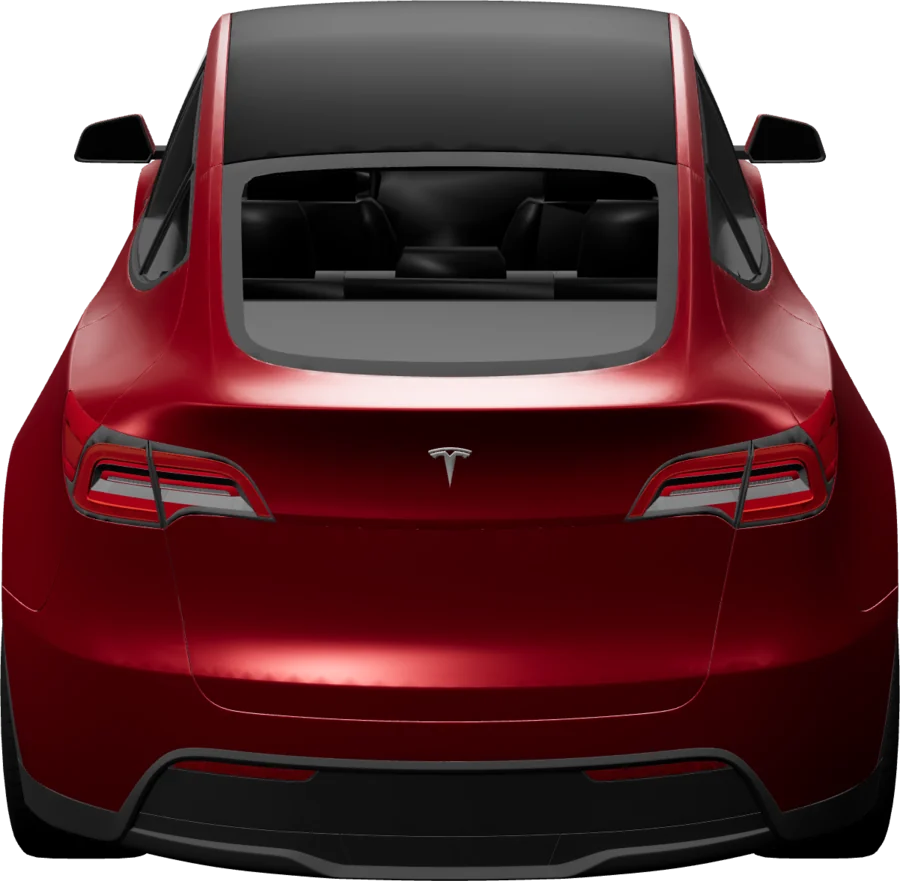
Set up in your Tesla
About 30 seconds. Nothing to install.
- 1
Open the browser
Tap the app launcher on the touchscreen.
- 2
Go to iptvplayr.com
The player loads in a few seconds.
- 3
Scan the QR code
Add your M3U URL or Xtream Codes login on your phone.
What works in a Tesla
- Browser
- Built into the car. Nothing to install.
- Models
- Model 3, Model Y, Model S, Model X and Cybertruck.
- Screen
- 15 inches on the Model 3 and Y, 17 inches on the S and X.
- While driving
- Drive Mode (Beta) keeps playback running for passengers.
Watch on the road. Share with friends. Catch the match.
Drive Mode keeps the show playing. Share Links let friends watch without your credentials. Live sports shows which match is on and which of your channels has it.
Drive Mode
BetaIn your Tesla, video stops the moment you shift out of Park. Flip on Drive Mode and it keeps rolling while the car is moving, so your passenger can keep watching.
Made for passengers. The driver's eyes stay on the road, always.
Share Links
Share the show, not your subscription. Your friend taps a private link and watches in their browser, no account needed. Your credentials and playlist stay private: the link plays that one title, nothing else.
Links expire when you choose, from an hour to a week, and one tap cuts the stream.
Live sports
The matches on television right now, each on a channel from your own playlist. Open the Live TV tab and the row is there: who is playing, which of your channels shows it, and whether it has kicked off. Tap a match and that channel plays.
Football, basketball, American football, ice hockey, rugby, tennis, combat sports and motorsport. A match appears only when the listing names one of your channels for it, or your country's broadcaster for its competition.
Tesla questions
More on the FAQ page.
Does IPTVplayr work in a Tesla?
Yes, in the built-in browser of every Tesla that has one: Model 3, Model Y, Model S, Model X and Cybertruck.
Can I watch while driving a Tesla?
Drive Mode (Beta) keeps playback going for passengers. The driver must never watch while the car is moving.
Does it work while Supercharging?
Yes, and that is when most people use it.
Do I need to install an app?
No. IPTVplayr is a website, so the Tesla browser is all you need.
Watch your IPTV in your Tesla
Free for 30 minutes. No account, no card. Then $3 a month.